What Should You Pay Attention to When Sending a Letter Through the App?
What Should You Pay Attention to When Sending a Letter Through the App?
When sending a letter from the app, take a final look not only at your text but also at the recipient, the enclosures and the order total. An order can be prepared in a few taps on the phone; printing and mailing are then carried out according to these records. A small error in a name or an institution can cause the item to be returned.
1. Check That You Are Working in the Right Account
Make sure you prepare the shipment in your own account. If you need to ask for support, it is important to know in which account the order is. If your email or phone details have changed, check that they are up to date so that you can receive notifications.
2. Use the Recipient’s Full Name
In Mektup Yaz’s experience of sending, there have been cases where the recipient could not be found because the name was written in the short form used in daily life. Write your loved one’s name as it appears in the official record. You can use a nickname in the salutation inside the letter; do not confuse it with the identity information on the envelope.
Also check the full name of the facility. If there is a transfer notice, see the change-of-address guide for details. Changing the saved recipient does not mean that an order already placed is automatically corrected.
3. Check the Sender and Return Details
Check that your sender record is correct and which address will be used if the item is returned. Our envelope address guide explains the distinction between recipient and sender. If you have a special need regarding the use of addresses, ask for support before ordering.
4. Read the Final Version of the Text
Check for words changed by the phone keyboard, missing paragraphs and sections added twice when copying. Make sure the writing is legible on the paper you chose. Do not shrink a long text too much merely to reduce the page count.
Our guide to long letters and page layout explains the details of preparation.
5. Verify That Photos and Documents Have Uploaded
It is not enough merely to have selected a file from the device; check that the upload is complete and that the content appears in the order. Do not add the same photo several times by mistake. The photo and document guides help with quality and page order.
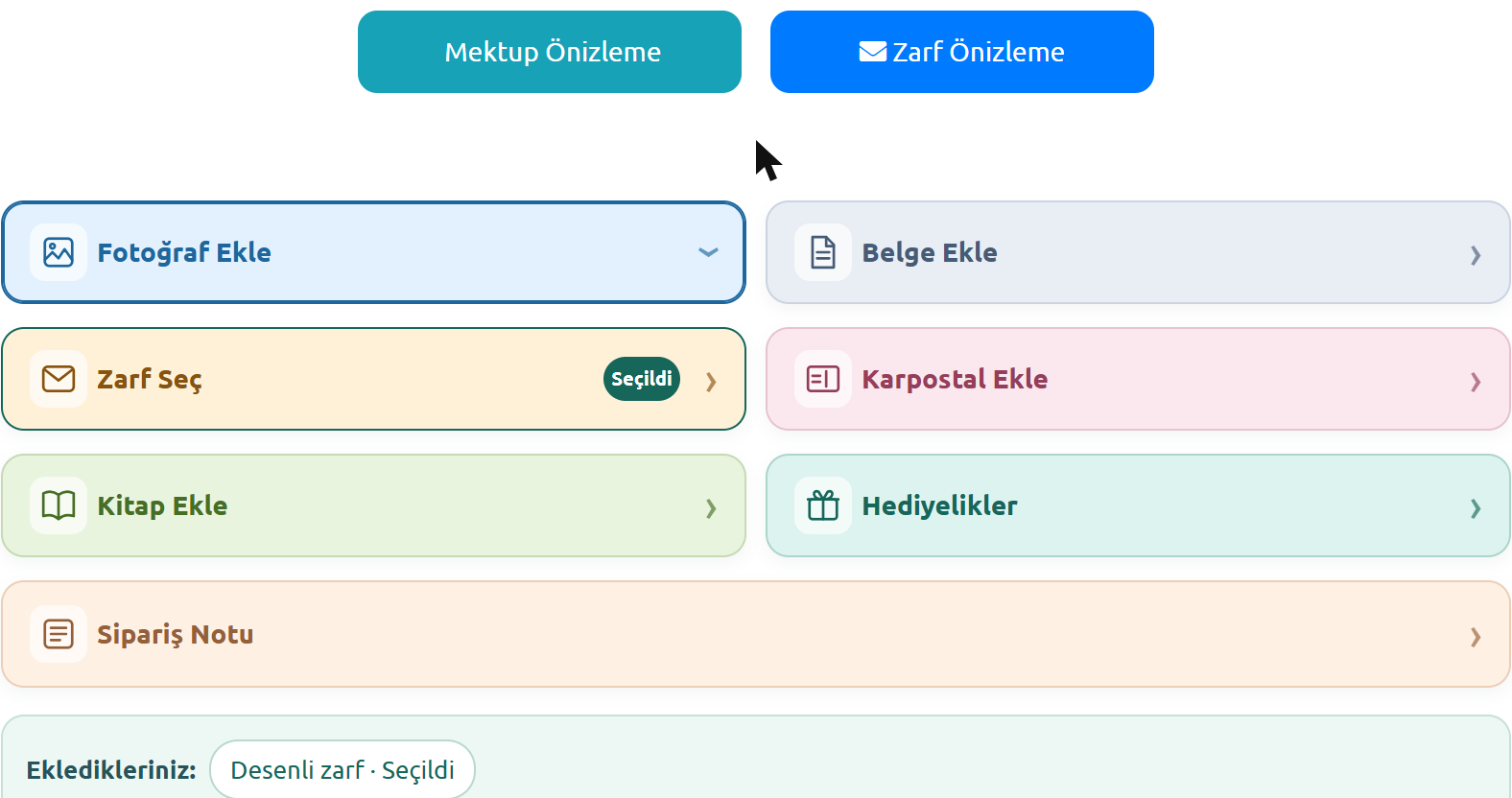
6. Review the Quantity, Service and Total Amount
Check that the paper, envelope, enclosures and services you selected are correct. Do not confuse the letter page, photo or book fee with the postage total. The order summary before the transaction is a more accurate checkpoint than a price you saw in an old article.
7. Check the Payment Result and the Order Record
After returning from the payment screen, look at the status of the order. If there is an error message or an unclear result, check the record and ask for support before making a second payment right away. Note the order number; do not include your card details or a verification code in a support message.
If you have difficulty in the app, there is also WhatsApp preparation support available. When starting a new order for the same content through another channel, also mention the existing transaction.
8. Follow the Barcode and Postal Movements
After the item has been handed to the post, check the barcode and service information. The creation of a barcode does not mean the letter has been delivered to the facility at that moment. Acceptance and delivery movements are separate records.
In our tracking guide you can find ways to check from the panel and from the PTT screen. In case of a prolonged wait or a return, ask for support with the order number, barcode and latest entry information. By opening your account, you can review the shipment you have prepared.
Next guideHow Do You Track a Letter?