How do I send files and documents to someone in prison?
How do I send files and documents to someone in prison?
To send a file or document to someone in prison, upload a PDF, Word (DOCX), JPG or PNG file to your Mektup Yaz account. We print the contents, prepare the mailing and hand it over to PTT. Your loved one receives a paper copy rather than an email or digital message.
If your loved one asks for a copy of a decision, study notes or one of their own documents, make sure you upload the correct file with every page legible and accounted for. A file that opens on your phone may still print poorly.
How do I upload files and documents?
- Sign in to your account and start a new mailing.
- Select the recipient and their current prison address.
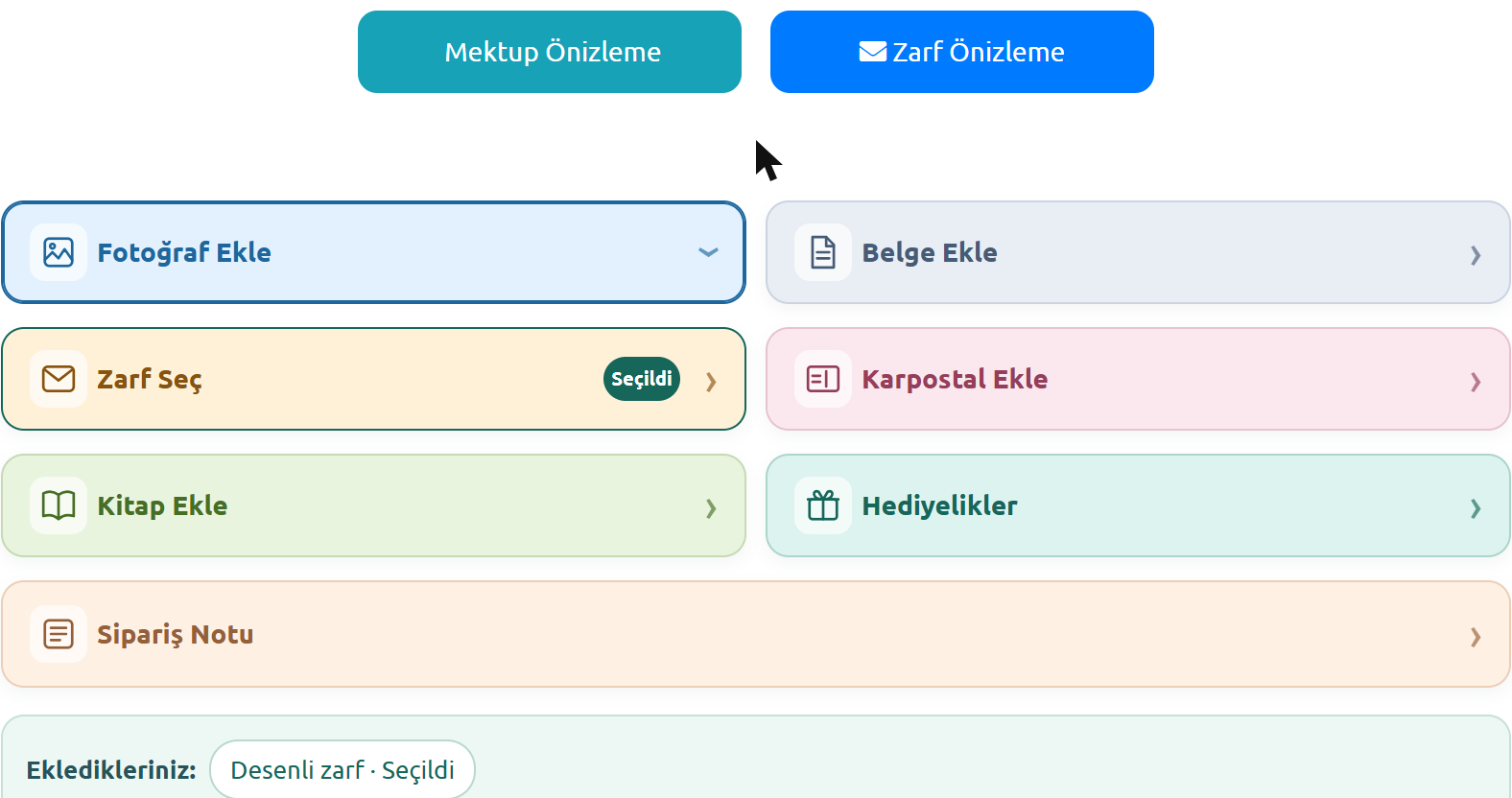
- Open Documents or Add file/document.
- Select the files you want to send and wait for the uploads to finish.
- Check the file list, page count and preview, if available.
- Review the charges and address, then complete the order.
Menu labels may look different on your device. If an upload seems to fail, check whether the file already appears in the order before adding it again. If you still need help, tell support the file type and what happened.
Checking pages in PDF and Word files
Fonts, margins and page breaks in a Word file can affect its appearance when converted. If layout matters, save it as a PDF and open the PDF to check it. Review every page for unwanted blank pages at the end, missing attachments and cropped tables.
- Make sure the pages are in the right order.
- Check that all enclosures mentioned in the document are actually in the file.
- Make sure small print and text in table cells are readable.
- Resolve any password protection or file corruption before uploading.
- Avoid adding the same document twice, as both a PDF and a photo.
If you are sending a document as a photo
For JPG or PNG, lay the page flat in good light and photograph it straight on. Keep fingers, shadows and glare off the text. A blurry image, a page with missing edges or a photo compressed by a messaging app may be hard to read in print.
Create a separate, legible image for each page rather than squeezing several documents into a small picture. A descriptive filename makes checking easier than “document1”. Upload the complete document and crop out irrelevant parts of the phone screen.
Can I send a document without writing a letter?
Yes. As explained in our knowledge centre, you can send files or documents on their own. If you like, include a short note telling your loved one what you are sending. It can help to explain why you included a particular decision or set of notes.
Printing and packaging depend on the document. For preparation details, such as large protective envelopes and appropriate page layout, see our knowledge centre article on files and documents . Let our team know about any special printing requirements before ordering.
How do I check the mailing cost?
Document pages, postage and other enclosures are separate charges. Check the page count after uploading, then review the final amount in the summary before payment. Figures in older articles may no longer apply. Our pricing guide also has more information.
After posting
Track your mailing using the barcode. Delivery to the facility and handover to your loved one are separate stages. Sending them a printed copy does not replace an official application or formal service of a document where either is required separately.
To reduce address errors, check the recipient and sender details. For the steps from start to finish, see our mailing guide for details.
Next guideHow do I send photos to someone in prison?