How do I write to someone in prison online?
How do I write to someone in prison online?
To write a prison letter online , start a new mailing in your Mektup Yaz account, choose your paper and write your letter. Your letter and attachments are sent in print. The steps below will help you edit the text and check your order.
1. Open your account and choose a mailing
Sign in to your account. Start a new letter or open the draft you were working on. If you want to continue the same letter, open that draft each time. Give it a clear name so you can tell it apart from your other drafts.
2. Choose a layout that is easy to read
Look through the paper designs and choose one you like. Check that a busy pattern does not obscure the text. Use a comfortable type size. The available options and menu positions may vary by device.
Break long letters into paragraphs. Our page layout guide explains numbering and readability. Avoid numbering pages manually in the editor because the text may fall on different pages when printed.
3. Write in your own words
Address your loved one as you normally would and share a few things from your day. If you copied a passage from somewhere else, replace any names and events that do not fit your situation. Our topic ideas and sample letters can help you get started.
4. Check your draft when taking a break
Before taking a break, make sure the draft contains your text. Check that the latest changes were saved, especially if your connection dropped or you are leaving the page. You can also keep a personal backup of a long letter that matters to you.
When you return, open the correct draft. If there are several copies, find the latest version so you do not accidentally order an older one.
5. Upload attachments and check their order
Use the relevant section to add photos, postcards, books or documents. After selecting a file, wait for the upload to finish and check that it appears in the order. The attachments guide explains how preparation differs for each type.
Check that no photo appears twice and that all document pages are present. Review the contents and the facility’s current acceptance rules. An item being available to order does not guarantee admission.
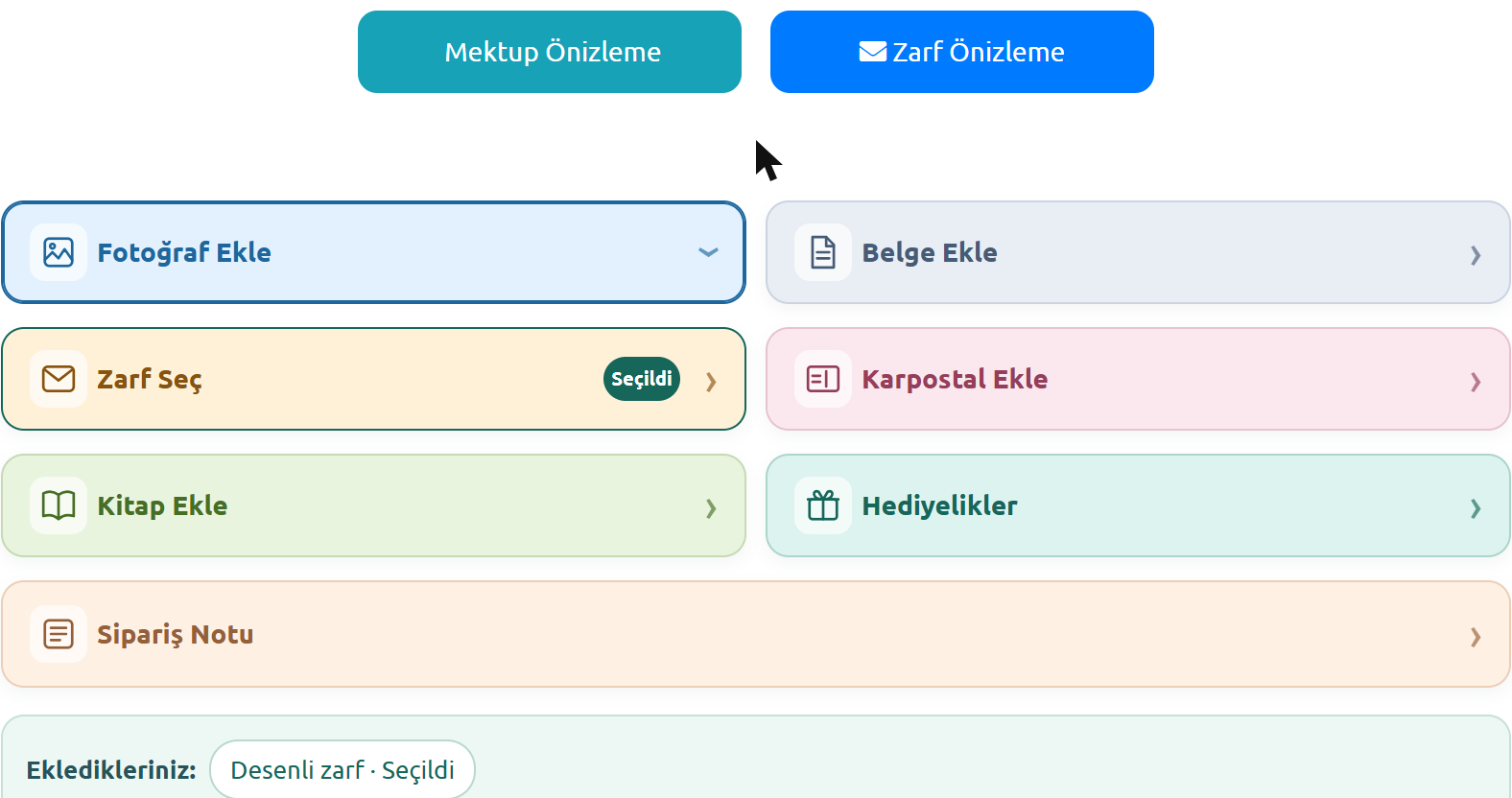
6. Address, preview and total
Check the sender details separately from the recipient’s full name and current facility. If you do not know the ward, leave it blank. If a preview is available, check the beginning, end and page breaks. Review the page and attachment counts in the payment summary.
Our order checklist covers the final checks. If a shipping option is unavailable, check its requirements before starting the same order again.
7. Check the status after payment and track your letter
Check the payment result and the order entry. Completing your order and acceptance by the postal service are separate steps. Once PTT has received the mailing, track it using the barcode. Delivery to the facility and distribution to your loved one may also happen at different times.
If you get stuck, ask for support on WhatsApp . Include the relevant draft or order details in your message. Keep your password and payment verification code private.
Next guideWhat should I check when sending a letter through the app?