Can Photos and Books Be Sent to Prison?
Can Photos and Books Be Sent to Prison?
The size, content and number of photos and the delivery method, type and acceptance period of books are not subject to the same rules. When preparing, rely on the current statement of the institution where the recipient is held.
Are photos and books accepted under the same conditions?
No. An institution accepting letters or photos does not mean it will accept all books at any time by the same method. If you want to prepare both in one shipment, find out the applicable conditions for each item.
For example, in the statement of the Ümraniye E Type institution the book delivery method and the assessment of publications that are not accepted are stated. There may also be period and delivery conditions for accepting books as gifts. Confirm this information for your own recipient's institution.
Which photos should be chosen?
You can choose simple images of your family, children, home or daily life. Think about the moments the recipient would want to see. Do not include content the institution does not accept; do not assume that all photos will be accepted unconditionally.
For size, number and layout of images, see the photo sending guide and the photo sizes page No single photo quantity applies to every prison.
What should you look at when choosing a book?
Think about your loved one's interests and what they have read before. State details such as the book's title, author, edition and language correctly. Prohibited publications or those not accepted in the institution's assessment must not be sent. Being on sale does not mean every book is automatically accepted by the institution.
In our book sending guide you can find preparation topics. Ask the institution where the recipient is held about the period, quantity and accepted sender/method.
Preparing through Mektup Yaz
- Log in to your account.
- Save the correct institution and recipient details.
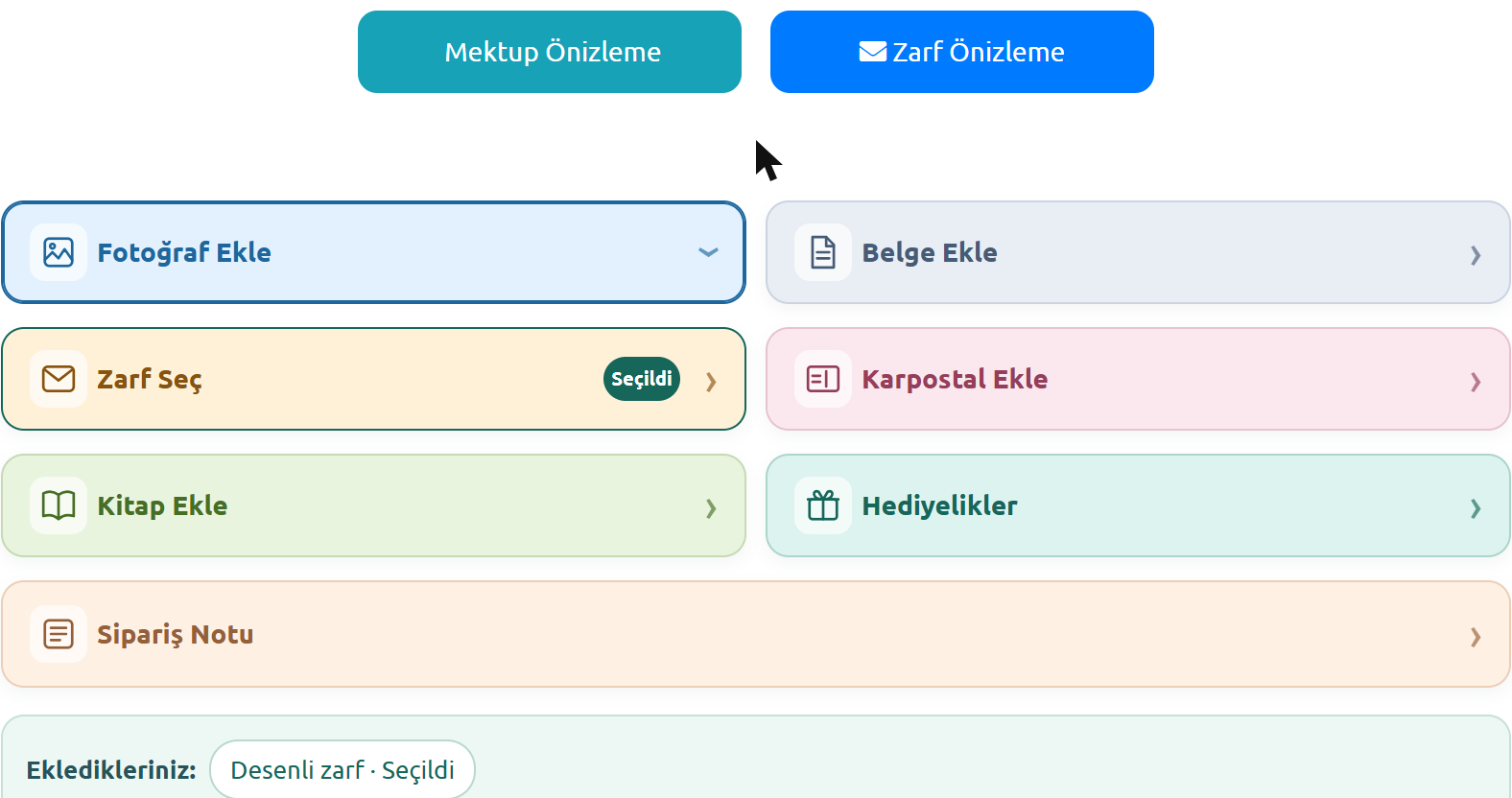
- Upload the photos and check their sizes and numbers.
- Review the available book options and the related conditions.
- If there is a letter or other content, check it in the preview.
- Review the total amount, address and delivery method, then complete the order.
Are photos and books free?
Check the prices of the products on the order screen. If a free book option is offered, review its current stock and conditions. Do not assume that every book or every photo is free or that postage is covered automatically.
To check the free options, see the free book guide bakabilirsiniz.
After the shipment reaches the institution
Postal delivery and the contents passing inspection and being handed to the recipient are different stages. For a tracked shipment, keep the barcode. If there is a problem with one of the enclosures, find out the institution's reason and the procedure that will be applied.
Final check before sending
Compare the address, institution number, recipient name, photo size, book details and total amount. If the conditions have not been confirmed, get information before completing the order, especially a book order. To prepare a letter, see our content suggestions inceleyebilirsiniz.
Next guideHow to Send Photos to Prison?